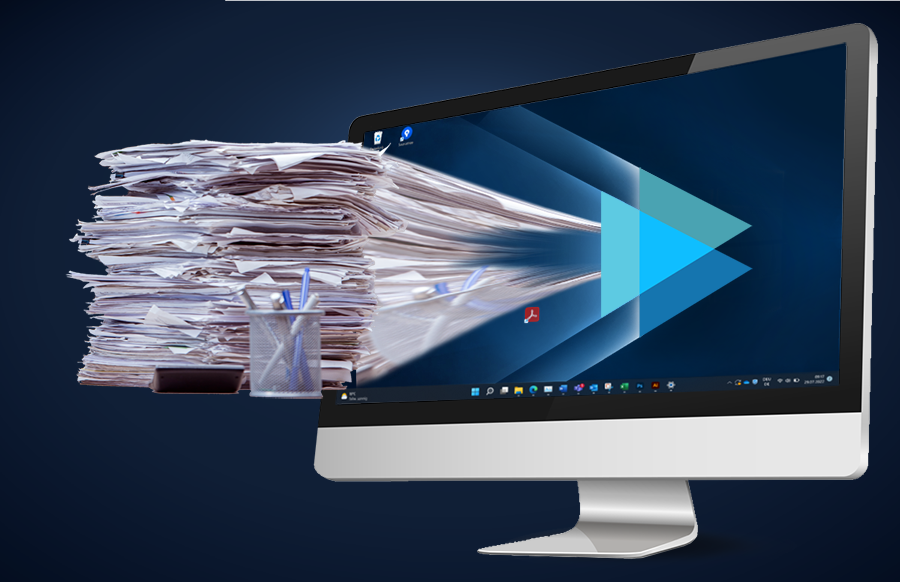
Digitization, but why? Everyone has been talking about the technology that will give us the edge for years. But what is the point of this initial additional effort in the long run? Do we actually save anything, and how much, if we digitize documents such as orders, offers, delivery notes and invoices? In this blog post you will find out how you can do everything legally correctly when converting to digital goods and how to apply the whole thing in practice.
Why digitize invoices?
Thousands and thousands of letters packed with invoices are sent every month, because the saying ‘Only print is true’ holds true in many industries. But what advantages would digital dispatch and receipt of documents offer for further processing and storage?
The first advantages for the sender are:
Cost savings: There are no costs for paper, printing, envelopes and shipping. Not only good for the wallet, but also for the environment if the delivery service has to drive around less often.
Time savings: Depending on the size of the company, you save the labor that would have to fiddle the printed, hopefully machine-prefolded invoices into the envelopes. It is also faster to send by email than by post.
The recipient has the following advantages:
Filing is easier: The folders on the computer are much easier to search through and organize than the dusty old things in the basement. The digital folder system can also be accessed from anywhere. You will find out later in the article whether a scan of an invoice received in the old-fashioned analogue way legally replaces the original.
Data security: While the digital world naturally also offers many new risk factors, it also creates security against several catastrophes: The invoice simply disappeared in the chaos at the desk or perhaps ended up in the shredder unintentionally? A flood has flooded the basement archive? With digital safeguards such as backups or redundant storage on several servers, nothing stands in the way of your permanently undisturbed operation!
Time savings: Automatic posting is made possible by the digital process. Over 90% of all bookings are made automatically in this way. As a result, the accountants only check the cases in which the AI was not entirely sure. Searching for a specific document, which may occur later, is also faster. The search for accounting professionals is also shortened because fewer of these people are needed.
Cost savings: All these factors such as saving space, simplifying the work for accounting and thus relieving employees save money. Only through digitization can automated processes be used with efficiency tools such as AI and low-code process platforms. This affects the time spent, and time is money.
Can digital invoices replace the printed ones?
Yes! There are various instructions in the law books on how to keep invoices. In Germany, business documents must be kept for six or ten years. Photography and scanning is permitted.
In any case, it is important that digital invoices are stored in such a way that they cannot be changed afterwards, but can be called up and read at any time.
If the receipts cannot be changed, a purely digital invoice archive is possible.
Note! Some other legal documents must be kept as original documents. Find out more from your legal department or your chamber of commerce.
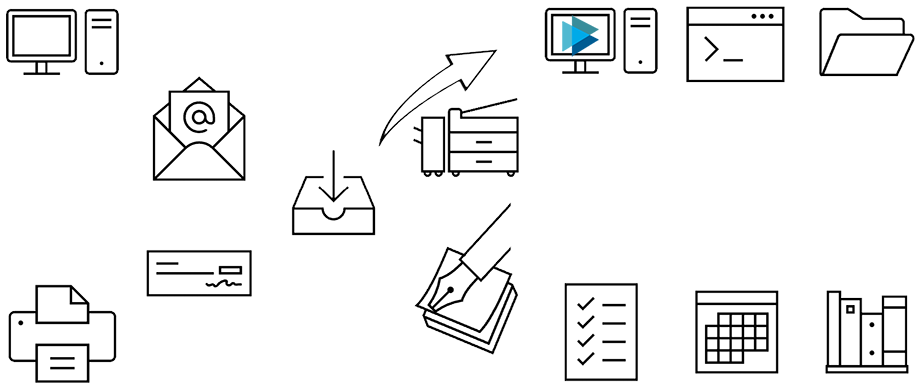
Example workflows with digitized invoices:
The most optimal workflow already starts fully digitized at the sender of the invoice:
- Digital dispatch of the invoice by e-mail
- Collection of all these digital invoices on one email address
- From there, automated pre-accounting with AI support
- Use of cash discount or adherence to payment terms by ERP software
- Automated filing of the digital invoice in the intended folder structure
Workflow when the invoice arrives analog:
- Dispatch of the printed invoices by post
- Scanning of the received invoices with a scan quality of 300 dpi
- From there, automated pre-accounting through AI support
- Use of cash discount or adherence to payment terms by ERP software
- Automated filing of the digital receipt in the intended folder structure
- The original receipt can be destroyed if the digital one has been saved unalterably
Most analog way:
- Invoice receipt by post
- Pre-accounting on paper
- Account by hand
- Track discount/term of payment manually
- file into binders
In our day-to-day work, we encounter the most diverse forms and characteristics of incoming invoices. From the paper workflow to the most innovative company that wants to get even more out of the existing process. As an AI provider when it comes to document processing, we are happy to help you automate precisely these processes and are happy to refer you to trustworthy partners for digitization.