


How AP Automation works
Automate Accounts Payable with AI agents from blumatix
Invoice information is captured, validated and matched against existing enterprise knowledge. Straightforward cases continue automatically. If information is missing, discrepancies occur or an accountable decision is required, the appropriate person is brought into the process through Human in the Loop.
The technological foundation is bluSTACK, the agent platform from blumatix. It brings together specialized AI agents, defined rules, a company-specific knowledge base and integrations with existing ERP, DMS and business systems in a controlled architecture.
Tasks that previously required manual processing are handled by AI agents – invoice by invoice, reliably and around the clock. This shifts the role of finance teams from processing individual transactions towards managing and controlling the overall process.
Interactive AP Demo
Experience AP Automation
The interactive demo shows how an automated Accounts Payable process works in practice. The dashboard provides an overview of the entire process, including automation levels, open volumes and due dates.
The workspace brings together all cases that currently require attention, organized by review cases, pending approvals and supplier queries. Each invoice can be traced through its individual process steps, including the exact point at which a correction is required. When supplier clarification is needed, the agent can prepare a supplier communication that can be reviewed, adjusted and approved before it is sent.
This makes it clear which tasks can be processed automatically and where human decisions remain deliberately embedded in the process.
The AP process at a glance
Many steps. One process.
Four process phases span the journey from invoice receipt to posting. An audit trail ensures traceability throughout the entire process. Skip directly to the section you would like to explore in greater detail.
Invoice Intake
PHASE 01
Structure first. Validation second.
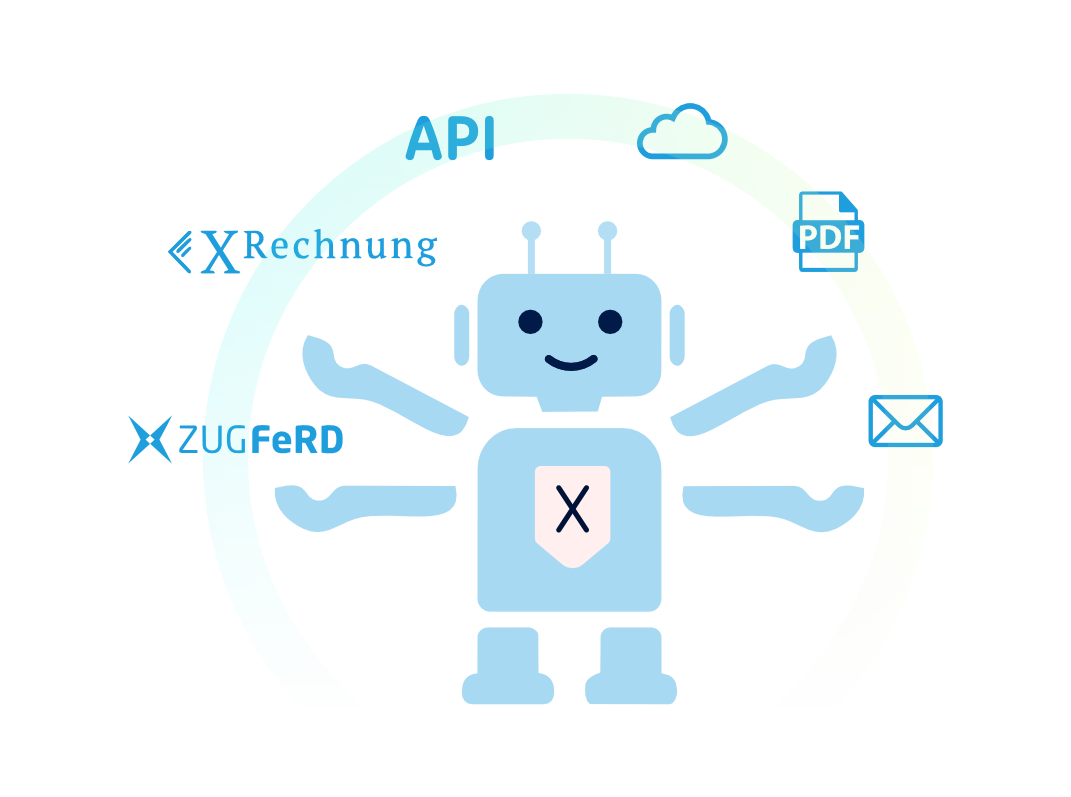
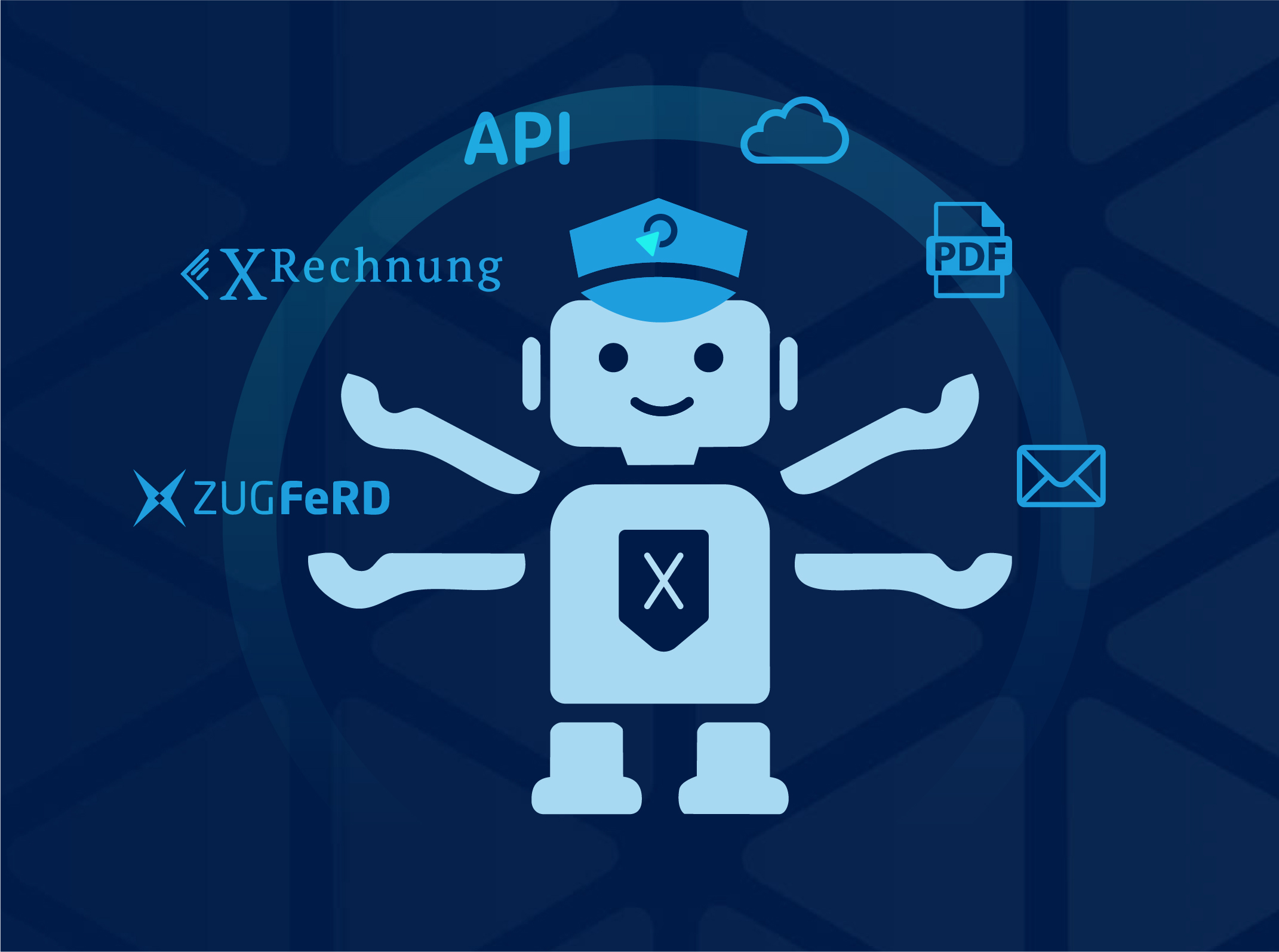
Invoices reach companies through different channels and in different formats. Emails and uploads are joined by portals, interfaces and Peppol. At the same time, PDF invoices, scans, XRechnung, ZUGFeRD documents and other formats need to be processed in parallel.
Before business validation can begin, the system needs to establish exactly what has been received and which information belongs to each transaction. These preparatory steps are automated: incoming files are checked, documents are identified and classified, combined files are separated and relevant invoice information is captured for further processing.
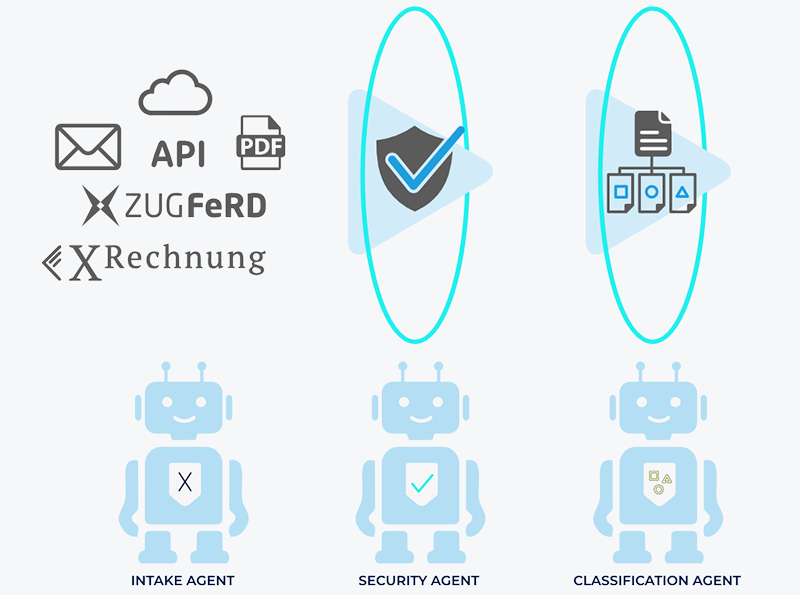
A structured invoice intake process creates a reliable foundation for every subsequent step in Accounts Payable.
Invoice & Master Data Validation
PHASE 02
Data needs context.
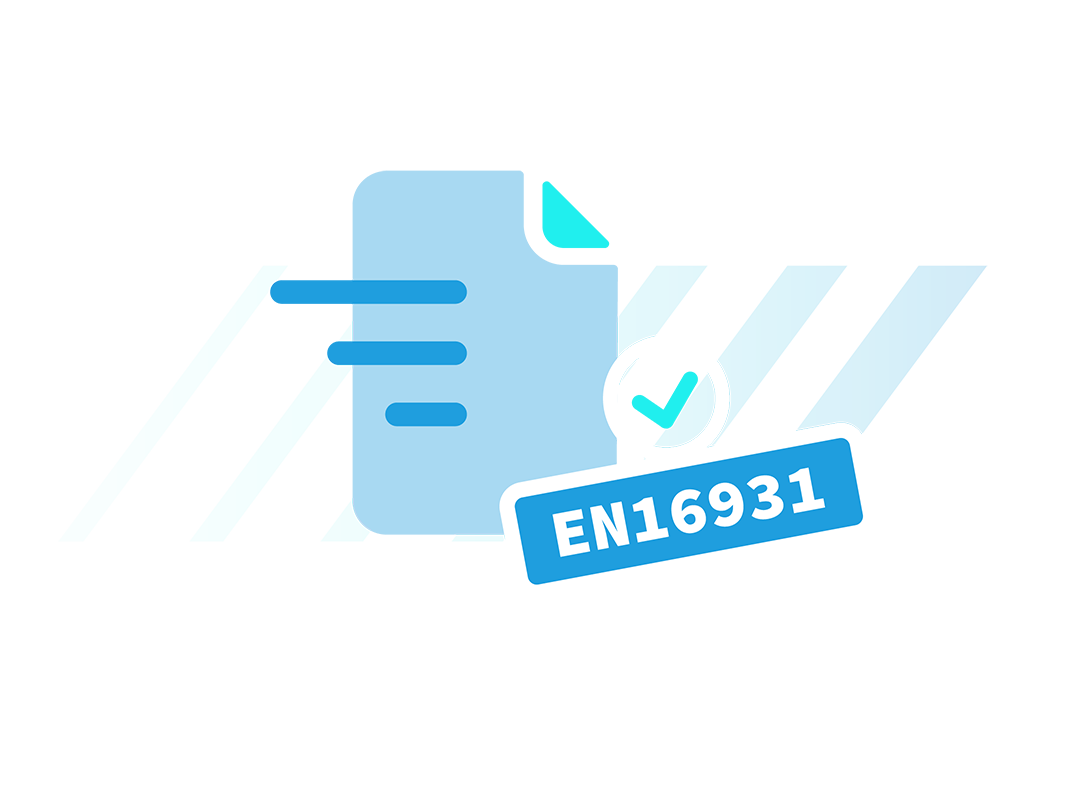
Recognizing an invoice number or extracting an amount is not enough for an automated process. Invoice data needs to be complete, plausible and assigned to the correct business transaction.
Relevant information is validated and connected with existing master and reference data. Supplier information can be considered alongside purchase orders, goods receipts, historical purchasing data and other available data sources.
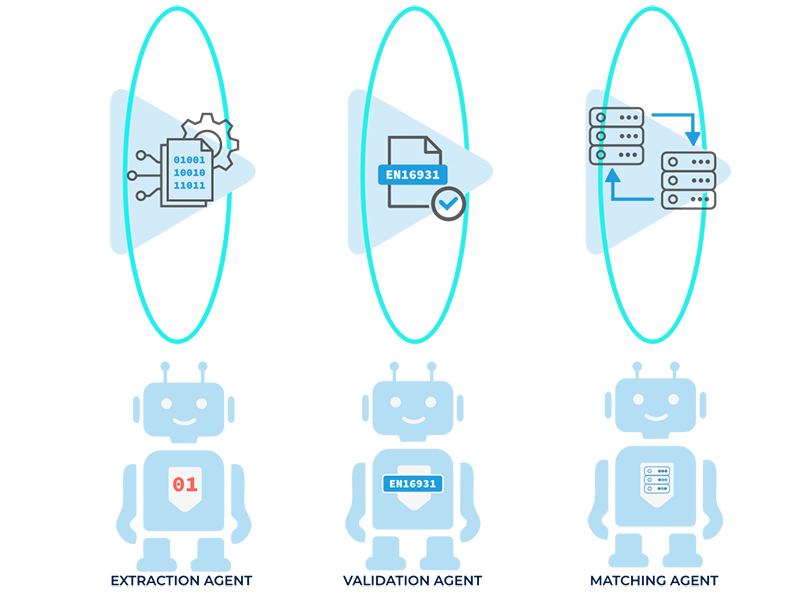
If information is missing or data conflicts, a traceable review case is created.
Nur vollständig und plausibel abgeglichene Rechnungsdaten laufen fehlerfrei durch Freigabe, Kontierung und Buchung.


Invoice Approval
PHASE 03
Approval based on clear rules
Not every invoice requires the same approval. Who needs to be involved and when a decision is required depends on the individual transaction.
Approval thresholds, cost centers, projects or discrepancies can trigger an approval, as can changes to supplier or payment information. Invoice approval is therefore not necessarily a rigid step at one fixed point in the process.

Defined rules determine when a human decision is required. The transaction is then routed into the appropriate review or approval process. Decisions remain connected to the respective case and are documented.
Approvals are embedded in the process wherever the specific transaction requires an accountable decision.
Invoice Coding & Posting
PHASE 04
Validated data. Clear posting proposal.
Once an invoice has been received, checked and validated from a business perspective, the information required for further accounting processing is available.
Based on this data, defined rules, master and reference data and historical information, the AP solution generates an invoice coding proposal. This can include the G/L account, cost center, project or tax code.
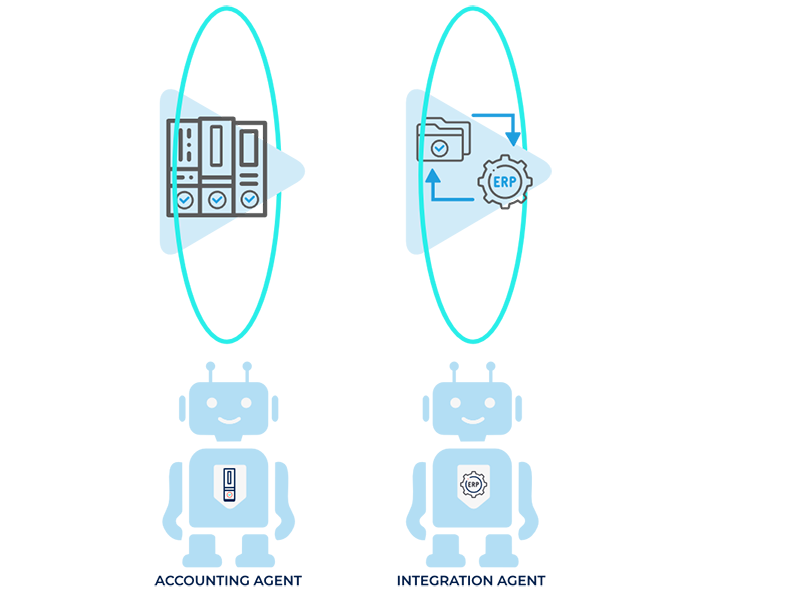
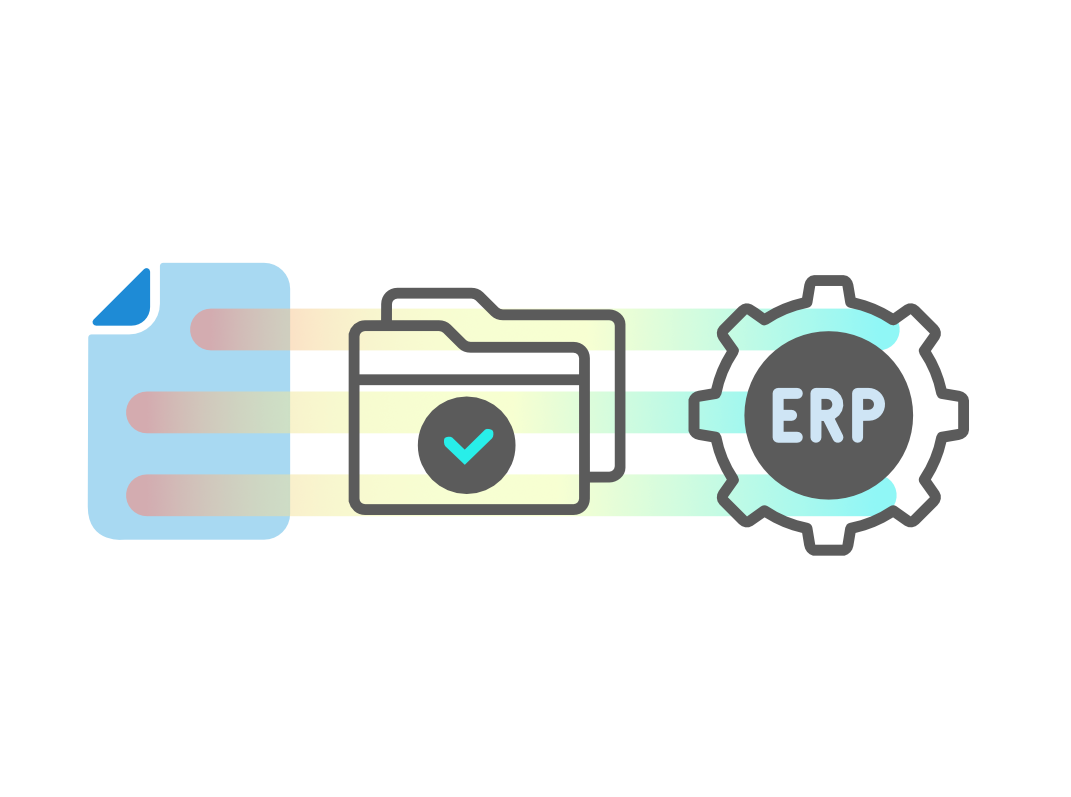
The validated proposal is transferred to the ERP or accounting system through the defined interface. If the integration is configured accordingly, posting can be executed directly in the target system. Uncertain or exceptional cases remain controllable and can be reviewed before handoff.
The posting is prepared from a business perspective and transferred to the target system in a controlled manner. The actual posting takes place there. The AP solution does not replace the ERP.


Audit Trail & Process Control
PHASE 05
Every step remains traceable.
In business-critical finance processes, it needs to remain clear which validations were performed, which decisions were made and when people intervened in the process.
Relevant processing steps are documented throughout the entire transaction. This includes automated validations as well as status changes, approvals, corrections, manual interventions and system handoffs.
Once the process is complete, a comprehensive process record is available. It can be transferred to the designated target system and, for example, stored in a suitable audit-proof archive.
The audit trail creates transparency across the entire process and makes automated processing traceable even after the transaction has been completed.
Security & responsibility
Proven security for critical finance processes
Accounts Payable involves sensitive financial, supplier and company data. Automated validations, decisions and system handoffs directly affect operational processes. Security, data protection and control are therefore built into the architecture.
blumatix develops and operates AI systems for productive enterprise use. An ISO 27001-certified information security management system, defined data protection and access concepts, and controlled infrastructure provide the organizational and technical framework for AP Automation.
ISO 27001 certified

blumatix is ISO 27001 certified and operates a verified information security management system (ISMS) with clearly defined processes, roles, and risk assessments.
GDPR-compliant

Data protection is structurally embedded. Personal data is processed in accordance with the GDPR on the basis of documented processes, access controls and transparent responsibilities.
Controlled cloud environment

Hosting in secure cloud infrastructures with data centers located in the EU, supported by defined operational, security, and access concepts.
EU AI-Act-ready

Development and operation of our AI systems align with EU AI Act requirements. Transparency, documentation, and control mechanisms are structurally embedded Transparency, documentation and control mechanisms are systemically embedded.
Accounts Payable Automation
Ready to automate your AP process?
Let’s talk.
Talk to us about your Accounts Payable process and the systems involved today. Together, we can assess which steps can be automated and which integrations are required.


